

Ahrefs can generate thousands of keyword ideas in minutes, but a large export is not the same as useful keyword research. The practical challenge is to identify topics that match your audience, support a suitable page, offer meaningful business value, and have a realistic path to visibility.
This guide explains how to use Ahrefs for keyword research without treating its metrics as guarantees. The workflow moves from seed keywords and idea generation to filtering, SERP review, competitor analysis, validation, and export. For a tool-independent view of the complete process, use the broader keyword research workflow alongside this guide.
What Ahrefs Can Contribute to Keyword Research
Ahrefs is most useful for discovery and comparative analysis. Its reports help you find related searches, compare demand, inspect current ranking pages, estimate backlink competition, identify broader topics, and uncover terms for which competitors already rank.
These functions reduce the time required to move from a broad subject to a reviewable set of opportunities. They do not determine whether a keyword is right for your business. That decision still depends on search intent, audience relevance, commercial value, existing content, resources, and the quality of competing pages.
Use Ahrefs keyword research to answer four practical questions:
- What language do potential customers use when searching?
- Which related topics may deserve their own pages?
- What pages and websites currently compete for visibility?
- Which opportunities justify further validation and investment?
The distinction matters. Ahrefs metrics are estimates derived from available data and current search results. They allow you to compare opportunities consistently, but they cannot promise traffic, conversions, or rankings.
How to Start with Seed Keywords in Ahrefs Keywords Explorer
A seed keyword is an initial phrase used to generate a wider set of ideas. Begin with terms that describe the customer’s problem, desired outcome, product category, use case, or selection criteria. Avoid relying only on the terminology used inside your organization.
Enter a small set of closely related seeds into Ahrefs Keywords Explorer and select the country or market you intend to target. Location matters because search demand, wording, competing pages, and search intent can differ between markets.
A useful seed set normally combines several perspectives:
- A broad product or service category.
- A problem the customer wants to solve.
- A task or outcome the customer wants to achieve.
- A modifier such as best, cost, how to, for beginners, or alternative.
- A specific use case, audience, feature, or constraint.
Keep the first search broad enough to reveal unexpected language. If you begin with a highly specific phrase, the tool may return a narrow set of variations that reflect your assumptions rather than the full topic.
How to Use Matching Terms, Related Terms, and Search Suggestions
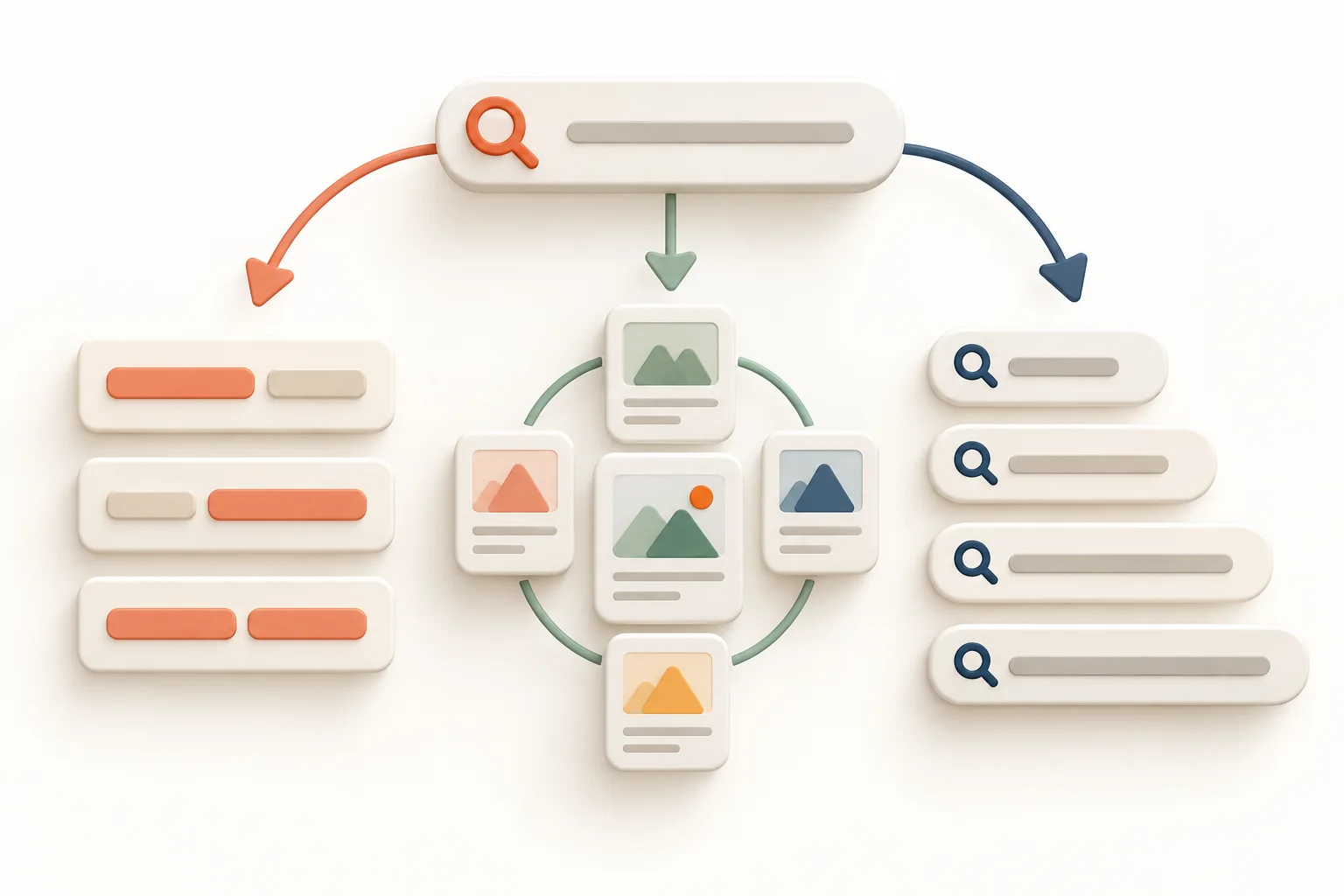
Ahrefs separates keyword ideas into reports that use different discovery methods. Understanding the difference helps you avoid reviewing the same type of variation repeatedly.
Matching Terms for Direct Keyword Variations
Matching Terms finds queries containing words from your seed. Terms Match can return those words in different orders, while Phrase Match retains their entered order. The Questions option narrows the report to queries with question-style modifiers, making it useful for identifying informational needs.
Use this report when you want direct expansions of a known topic. Review recurring modifiers because they often reveal meaningful segments, requirements, objections, and stages of the buying process.
Related Terms for Adjacent Topics and Coverage
Related Terms draws ideas from pages already ranking for the seed keyword. The Also Rank For view identifies other queries associated with those ranking pages, while Also Talk About highlights terms frequently mentioned within them.
This report can expose vocabulary that was missing from your seed list. However, a frequently mentioned term is not automatically a target keyword. It may be a supporting concept, a necessary explanation, or an entity to cover within a larger page.
Search Suggestions for Query Patterns
Search Suggestions uses ideas from Google’s autocomplete suggestions. It can reveal specific searches, long-tail wording, comparisons, and problem-focused queries that are easy to miss when brainstorming internally.
Combine the three reports rather than choosing only one. Matching Terms expands the seed directly, Related Terms explores the wider ranking context, and Search Suggestions surfaces common query formulations.
How to Filter Ahrefs Keyword Ideas Without Removing Valuable Opportunities
Filters should make a list easier to review, not predetermine the answer. Aggressive thresholds applied too early can hide low-volume commercial terms, emerging topics, local variations, and specific queries with strong conversion potential.
Apply filters in stages. Start with obvious relevance controls, inspect the results, and only then introduce numerical thresholds. A practical sequence is:
- Exclude clearly irrelevant meanings, brands, locations, or audiences.
- Use word-count or phrase filters to isolate specific query patterns.
- Review search intent and business relevance manually.
- Apply broad search volume, Traffic Potential, or Keyword Difficulty ranges.
- Inspect the SERP before accepting or rejecting the remaining terms.
The Include and Exclude filters are particularly useful for examining modifiers without permanently deleting other ideas. You might review all queries containing cost, software, template, or comparison as separate segments, then return to the full list.
Do not assume that a keyword below an arbitrary volume threshold has no value. A specific term may represent a small but qualified audience, and several related low-volume terms may be covered by one useful page. Ahrefs itself recommends combining metrics and grouping with intent and business value rather than relying on a single filter.
How to Interpret Search Volume, Traffic Potential, and Click Data
Search Volume, Traffic Potential, and Clicks answer different questions. Reading them together provides a more realistic view than sorting by volume alone.
Search Volume Measures Demand for One Query
In Keywords Explorer, Search Volume estimates how often a specific keyword is searched per month in the selected country, using a 12-month average. It is useful for comparing relative demand, but it does not show how many visits your page would receive.
Volume can also conceal seasonal or changing demand. Check the trend graph rather than relying only on the average. A growing topic, a declining query, and a strongly seasonal term may share the same reported average while requiring different decisions.
Ahrefs Traffic Potential Evaluates a Wider Topic
Ahrefs Traffic Potential estimates the organic traffic received by the current top-ranking page from all the keywords for which that page ranks. It can therefore be higher than the volume of the exact query, especially when one page ranks for many related searches.
This makes Traffic Potential useful when comparing topics rather than isolated wording. It is still a reference point, not a forecast. Your page may cover a different scope, rank for a different keyword set, or compete in search results that change before the content gains visibility.
Clicks Help Identify Searches That Generate Visits
The Clicks metric estimates how many monthly clicks searches for a keyword generate across result pages. CPS, or Clicks Per Search, represents the average number of clicks per search. These metrics help distinguish queries that frequently lead to website visits from those largely satisfied within the results page.
A high-volume keyword with limited clicks may be less attractive than its headline number suggests. Conversely, a topic with moderate volume and strong Traffic Potential may support a page that ranks for a wider cluster of valuable queries.
How to Use Ahrefs Keyword Difficulty and Referring Domain Estimates
Ahrefs Keyword Difficulty is a comparative metric on a scale from 0 to 100. It is based primarily on the backlink profiles of current top-ranking pages and is intended to estimate how difficult it may be to reach the first page. Ahrefs also connects the score to a rough estimate of the referring domains a page may need.
KD is useful for sorting and initial screening, but it does not fully evaluate ranking feasibility. It does not replace an assessment of intent, content quality, page type, topical authority, internal links, brand strength, or the suitability of your website for the query.
For example, a low-KD keyword may still be unsuitable if the SERP favors tools, product pages, videos, or major marketplaces while you intend to publish a basic article. A high-KD topic may remain strategically important if it has strong business value and supports a longer-term authority-building plan.
Open the SERP Overview and inspect the number and quality of referring domains for individual ranking URLs. A single average can hide considerable variation. You may find that some results have strong link profiles while others rank with fewer links because they satisfy intent particularly well or come from contextually relevant websites.
When deciding where to invest, combine Ahrefs KD with a broader framework to evaluate keyword value and difficulty. The objective is not to collect the easiest keywords. It is to identify the best balance of value, feasibility, and required effort.
How to Review Parent Topics and SERP Overlap
The Parent Topic feature is designed to show whether a keyword may fit under a broader subject. Ahrefs identifies it by examining the top-ranking page and the query estimated to send that page the most search traffic.

This can prevent unnecessary page creation. If the same pages rank for several related keywords, one comprehensive page may be able to satisfy the shared intent. If the results differ substantially, separate pages may be justified.
Do not accept the suggested Parent Topic automatically. Review the current SERPs for both the keyword and its proposed parent. Compare:
- The URLs appearing in the top results.
- The dominant page type, such as article, category, product page, or tool.
- The format, including guide, list, comparison, template, or definition.
- The intended audience and level of expertise.
- The problem solved and the next action expected from the searcher.
Strong URL overlap usually indicates that Google treats the queries as closely connected. Limited overlap may signal different intent even when the phrases look similar. This is why keyword clustering should be based on search results and user expectations, not wording alone.
For a more detailed review process, see how to analyze search intent from the SERP before assigning multiple keywords to one page.
How to Inspect Ranking Pages and SERP History
The SERP Overview turns an abstract keyword score into a competitive landscape. Inspect the actual pages rather than comparing only domain-level metrics. A website may be authoritative overall while its ranking page is weak, outdated, poorly matched to intent, or supported by few relevant links.
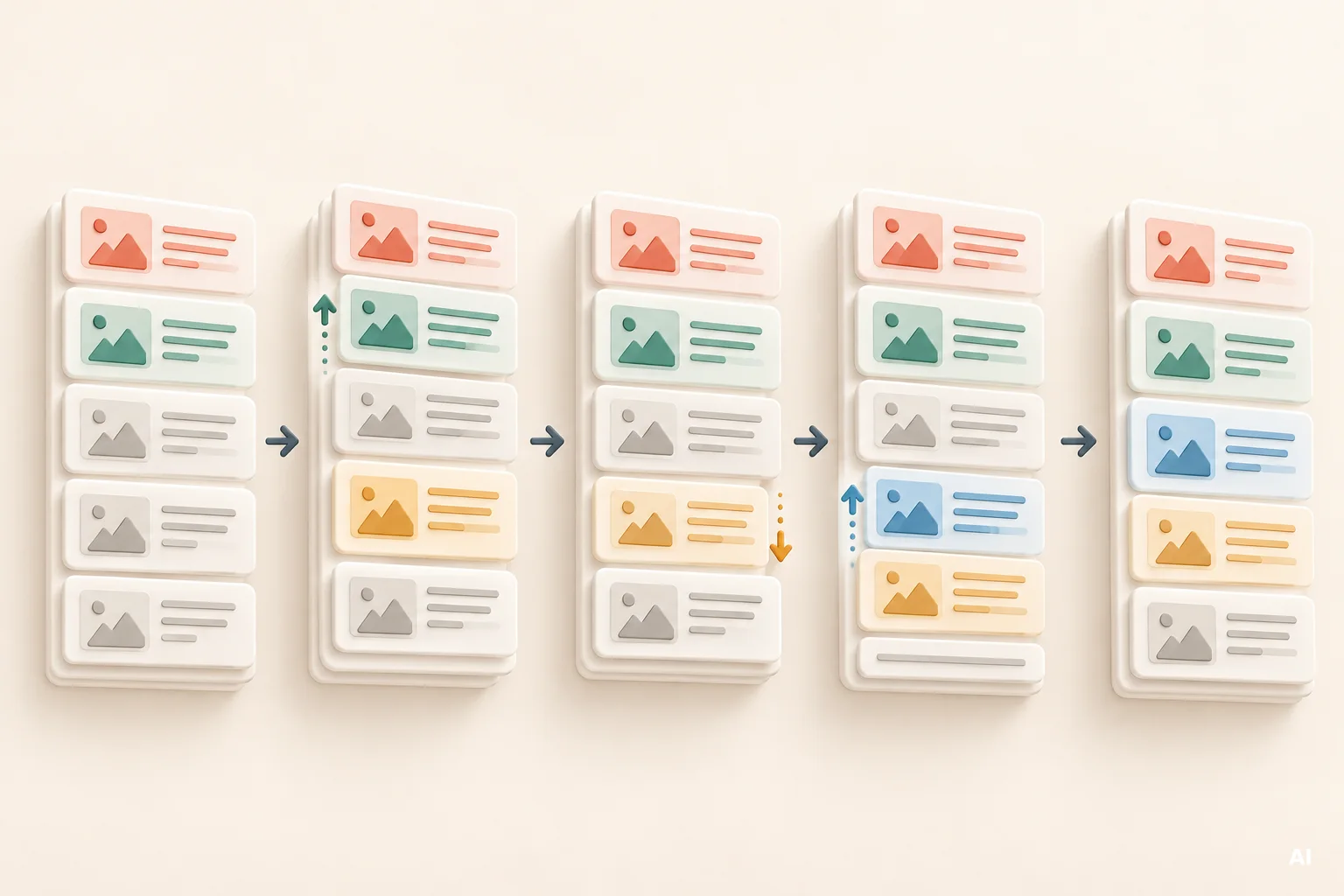
Review each important candidate for the following conditions:
- Whether the result is a homepage, product page, category, article, forum, video, or interactive tool.
- How closely its title and content angle match the query.
- Its estimated traffic and the range of keywords for which it ranks.
- The page-level referring domains and broader domain strength.
- Whether several results come from the same type of website.
- Which SERP features may attract clicks before the standard organic results.
Then open the current Google results in the relevant location and device context. Ahrefs refreshes popular SERPs more frequently than lower-volume ones, so the displayed snapshot may not always represent the precise moment of your review. Refresh timing can also change the reported KD, Traffic Potential, SERP features, and rankings.
Historical SERP and position data can help you distinguish stable competition from volatile results. If the same pages have remained visible for a long period, displacement may require a stronger proposition. Frequent changes may indicate unsettled intent, changing demand, fresh content requirements, or inconsistent satisfaction among existing results. Historical data availability depends on the report and subscription level.
How to Find Competitor Gaps with Site Explorer and Content Gap
Seed-based research reflects what you already know to search for. Competitor research can expose topics, terminology, and page formats you did not anticipate.

Start by identifying genuine organic competitors. These are websites that repeatedly appear for your target topics, not necessarily the companies your sales team considers direct commercial rivals. A publisher, marketplace, specialist blog, or review website may be a more relevant search competitor than a familiar business brand.
In Site Explorer, the Organic Keywords report shows terms for which a domain or URL ranks, while Top Pages groups performance around the pages estimated to receive organic traffic. These views help you examine both individual queries and the broader assets responsible for competitor visibility.
Content Gap, available through Ahrefs competitive analysis tools, compares your target with competing domains or URLs and identifies keywords they rank for while your target does not. Filters can narrow the report by metrics, locations, time frames, and ranking positions.
Use the gap report to analyze competitor keywords, but do not copy every discovered term. For each opportunity, check whether:
- The query serves your actual audience.
- The intent fits a page you can credibly provide.
- The competitor ranking is supported by a strong page or merely a strong domain.
- You already cover the topic under different wording.
- The keyword supports a relevant product, service, or customer journey.
Competitor SEO tracking is most useful when it identifies actionable changes, such as a new ranking page, expanding topic coverage, or a weak result you may realistically challenge. It should not become a routine export of every term associated with a competitor.
How to Build and Export a Validated Keyword Shortlist
A shortlist should contain enough context to support a decision after the data leaves Ahrefs. Before exporting, add promising keywords to a saved list and remove obvious duplicates or irrelevant variants. Cluster terms that appear to share the same intent and ranking pages.
For every shortlisted topic, record the information needed for prioritization:
- Primary keyword and relevant supporting terms.
- Search intent and expected page type.
- Search Volume, trend, Traffic Potential, Clicks, and KD where useful.
- Parent Topic and observed SERP overlap.
- Representative ranking pages and notable competitive weaknesses.
- Business relevance and likely role in the customer journey.
- Existing URL, proposed new page, or consolidation candidate.
- Recommended action, owner, and review status.
Ahrefs reports with export controls can be downloaded for spreadsheet use, and Keywords Explorer also supports export to Google Sheets. Export availability and row limits can depend on the subscription plan.
The exported file is a working dataset, not a finished content plan. Validate it against current pages, internal performance data, and Google Search Console. Search Console can reveal queries and near-ranking URLs already receiving impressions, which may change whether you create a page, improve an existing one, or consolidate overlapping content.
After checking business relevance and existing URLs, move the approved shortlist into a connected SEO workflow where analysis can lead to prioritized, reviewed, and measurable website changes. This prevents keyword research from ending as an isolated spreadsheet.
Finally, assign each approved cluster to a destination. A keyword may require a new page, optimization of an existing URL, consolidation of competing pages, or no action. A maintained keyword map for assigning topics to pages connects research with site architecture and on-page optimization.
Common Ahrefs Keyword Research Mistakes
Sorting by Search Volume and Stopping There
High demand does not guarantee accessible clicks, relevant visitors, or business value. Compare volume with Traffic Potential, click behavior, intent, and the wider topic.
Treating Keyword Difficulty as a Ranking Prediction
KD measures a specific part of competition, primarily through backlink data. It does not prove that a keyword is easy or difficult for your particular website. Review the ranking pages and your realistic ability to provide a better result.
Applying Narrow Filters Too Early
Rigid minimum-volume and maximum-KD filters can remove valuable terms before you understand them. Filter iteratively and retain a separate review group for specific, low-volume, or strategically important queries.
Accepting Parent Topics Without SERP Review
A suggested parent can be a useful clustering signal, but it should not decide your site structure. Compare SERP overlap, page types, and dominant intent before combining keywords.
Confusing Keywords with Content Requirements
Related Terms and Also Talk About can reveal concepts covered by ranking pages. That does not mean every term needs a heading, a repeated phrase, or a separate article. Use them to understand the subject, then write for the reader’s task.
Copying Competitor Topics Without Checking Relevance
A competitor may target a different audience, market, funnel stage, or business model. A visible gap is useful only when filling it supports your own customers and objectives.
Creating a New Page for Every Variation
Closely related keywords often belong on one page when the same results rank for them and the searcher expects the same solution. Creating separate pages without checking overlap can produce thin content and internal competition.
Exporting Before Validating Existing Pages
Check whether your website already has a relevant URL. Improving a page with established visibility may produce a better return than creating another asset targeting the same intent.
Leaving Research Disconnected from Implementation
Keyword ideas create value only when they lead to an approved action, such as optimization, creation, consolidation, internal linking, or monitoring. For a wider view of this operational difference, review how Ahrefs compares with a workflow for turning analysis into approved SEO changes.
Key Conclusions from the Ahrefs Keyword Research Workflow
The most reliable workflow uses Ahrefs as an evidence source rather than an automated decision-maker. The following principles keep the process focused:
- Start with varied seed keywords that reflect customer problems, outcomes, categories, and use cases.
- Use Matching Terms, Related Terms, and Search Suggestions for different forms of discovery.
- Apply filters gradually so valuable niche terms are not excluded prematurely.
- Compare Search Volume with Traffic Potential, Clicks, trends, and business relevance.
- Use Ahrefs Keyword Difficulty for comparison, not as a guarantee of ranking feasibility.
- Review current search results before accepting Parent Topic or clustering recommendations.
- Assess the individual ranking pages, not only the authority of their domains.
- Use Content Gap to find relevant omissions rather than reproduce competitor strategies.
- Validate the shortlist against search intent, existing pages, Search Console data, and business priorities.
- Finish with a clear page assignment and implementation action.
Summary: Turn Ahrefs Keyword Ideas into Defensible Decisions
Knowing how to use Ahrefs for keyword research is less about finding the perfect filter and more about combining several forms of evidence. Keywords Explorer helps generate ideas and compare metrics. SERP analysis tests intent and feasibility. Site Explorer and Content Gap reveal competitor coverage. Your own website and performance data determine what should happen next.
The practical decision rule is simple: do not approve a keyword because one metric looks attractive. Approve it when the query serves a relevant audience, supports a suitable page, offers credible value, and presents a competitive challenge you are prepared to address. Export only after those conditions have been reviewed.