
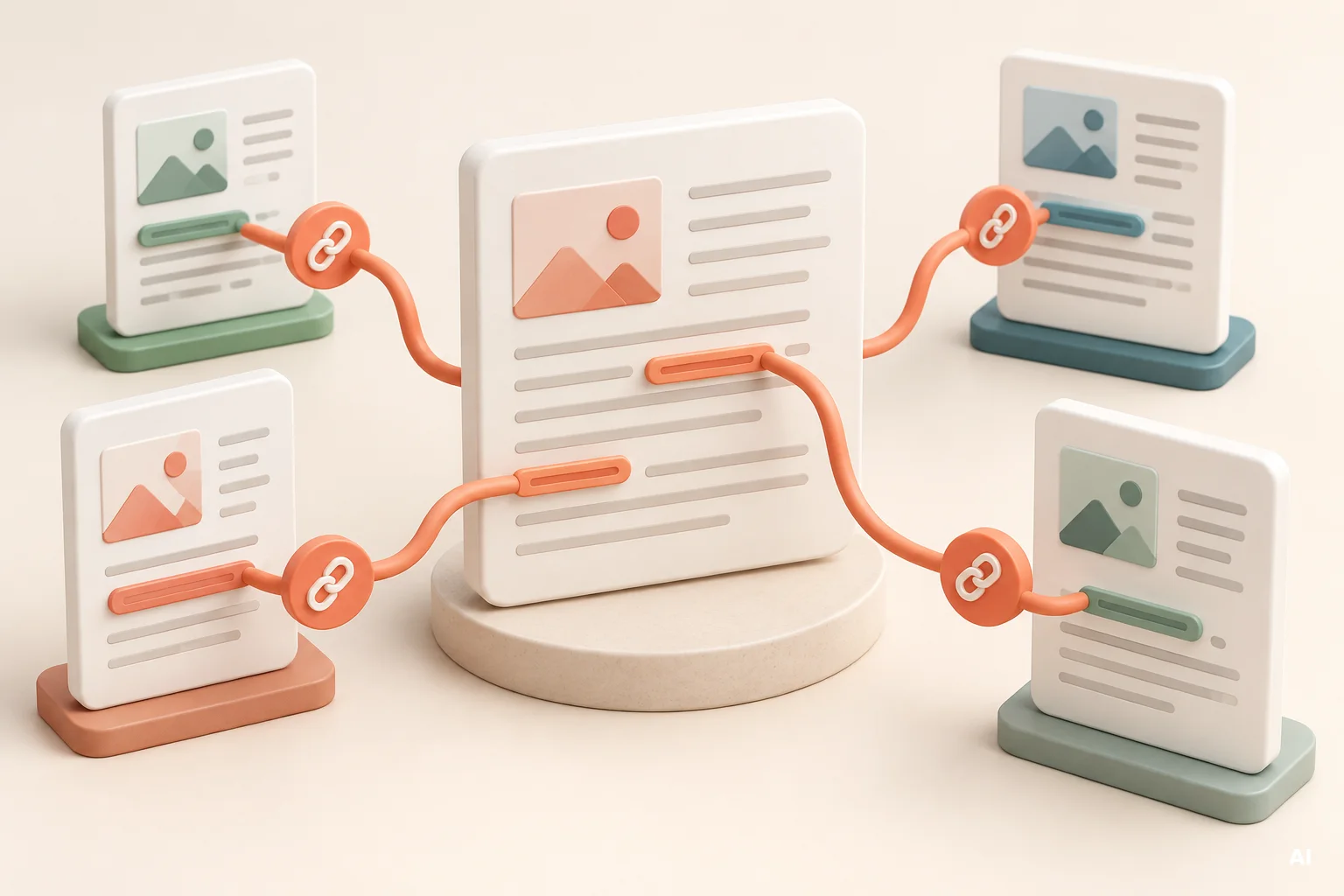
Internal linking for SEO is not a matter of adding as many links as possible. A useful internal link connects two pages because the destination helps the visitor continue a task, answer a related question, or evaluate an appropriate product or service. When those connections follow a clear plan, they also make important pages easier for search engines to discover and understand.
You can improve internal linking without redesigning your website or changing its code. Start by identifying priority pages, mapping logical paths between related content, and reviewing links whenever you publish or update a page. The objective is a structure that supports both navigation and business goals without forcing irrelevant links into the content.
What Is Internal Linking for SEO?
An internal link points from one page on your website to another page on the same website. Menu items, breadcrumbs, category navigation, related-article modules, and contextual links inside paragraphs are all examples. Contextual links are especially useful because the surrounding sentence can explain why the destination is relevant.
Internal linking differs from external linking, which sends visitors to another domain. It also differs from a sitemap. A sitemap can help search engines discover URLs, but it does not provide visitors with a normal navigation path or explain how two pages are related.
For an internal link to work as intended, it should use a standard link element with a valid destination. Google advises using crawlable links and explains that relevant link text helps people and search systems understand the destination.
If you are new to the discovery process, read how search engines crawl, index, and rank pages. Internal links mainly support discovery and interpretation. They do not guarantee that a linked page will be indexed or achieve a particular position.
How Internal Links Support Discovery and Navigation
They give visitors a sensible next step
A visitor rarely needs every page on a website. They need the next page that matches their current intent. Someone reading an introductory guide may benefit from a detailed tutorial. A shopper comparing options may need a category page. A potential client reading about a problem may be ready to review the relevant service.
Good internal linking reduces the need to return to the menu or use site search. It creates a guided path while still allowing the visitor to decide whether to follow it.
They help search engines find connected pages
Search engines use links to discover URLs and interpret relationships between pages. Google recommends ensuring that every page you care about can be reached through a link from another discoverable page. It also notes that website navigation and cross-page links can affect how an ecommerce structure is understood.
This does not mean every page should link to every other page. A dense network of unrelated links can make navigation harder and weaken the clarity of the structure. Relevance matters more than raw link volume.
Plan a Simple Website Link Structure
A useful structure moves from broad pages to specific pages and connects related resources at the same level. Before editing individual articles, sketch the main routes that visitors should be able to follow.
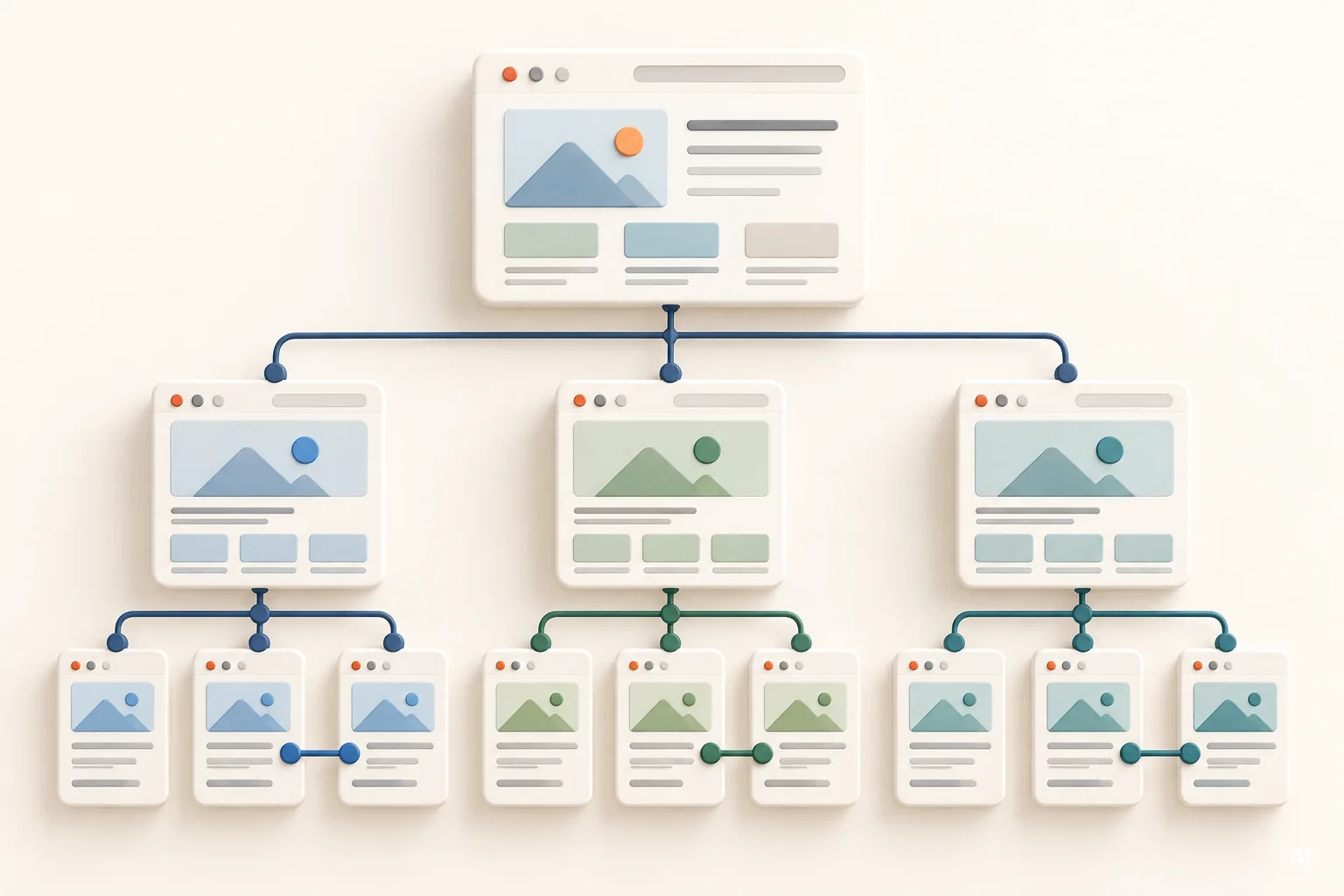
Use the following sequence to create a basic internal linking map:
- List the main sections. Include product categories, service groups, resources, support content, and other major areas.
- Identify detail pages. Map products to categories, services to service groups, and focused articles to broader guides.
- Define natural upward links. Detail pages should normally make it easy to return to the relevant category, topic, or service overview.
- Add useful cross-links. Connect pages that address related questions or represent logical next steps.
- Check the route from an established page. Important destinations should not depend solely on internal search, filters, or an XML sitemap.
For an ecommerce website, a common path is home page to category, category to subcategory, and subcategory to product. Google specifically recommends making products reachable through linked navigation rather than relying only on a search box.
For a service business, the structure may move from a broad service overview to individual service pages, supporting case studies, frequently asked questions, and contact or consultation pages. A content-led website may use pillar guides connected to narrower articles. The exact hierarchy varies, but the principle remains consistent: broad pages organize the subject, while focused pages answer specific needs.
Internal linking complements on-page SEO, while crawlability, redirects, canonical URLs, and site architecture belong within a broader technical SEO checklist. Keeping these responsibilities distinct helps you diagnose problems accurately.
Choose Pages That Should Receive More Internal Links
Do not prioritize a page only because it currently has few links. First decide whether the page is useful, current, indexable, and aligned with a real visitor need. Sending more internal links to a weak or redundant destination does not resolve the underlying content problem.
A priority destination usually combines three conditions: it matters to the business, it satisfies a recognizable user intent, and it is relevant to pages that could link to it. Examples may include an important category, a core service, a useful comparison, or an authoritative guide that supports several narrower articles.
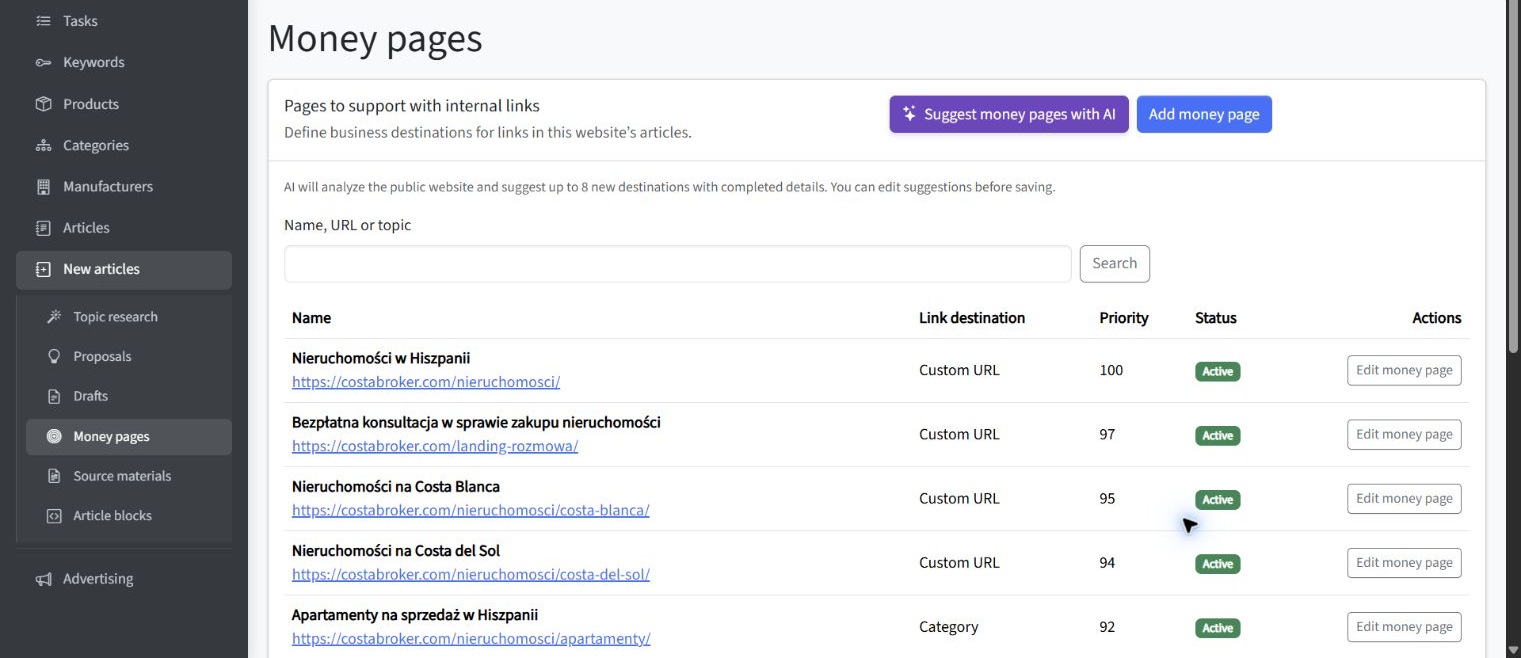
Before adding links, evaluate each possible destination against practical criteria:
- Business value: Does the page represent an important product area, service, lead action, or strategic topic?
- User value: Does it help the visitor complete the next stage of research, comparison, or purchase?
- Relevance: Can another page link to it without changing the subject or forcing an awkward sentence?
- Page quality: Is the destination accurate, substantial, current, and ready to receive visitors?
- Indexing intent: Is this a page you actually want search engines to find and consider for search results?
These criteria prevent internal linking from becoming a mechanical exercise. A commercially important page may deserve more visibility, but only from content where the link genuinely helps the reader.
Write Descriptive Internal Link Anchor Text
Anchor text is the visible, clickable wording of a link. It should set a clear expectation about the destination. Phrases such as click here, learn more, or this page provide little information when read outside their surrounding sentence.
Descriptive does not mean repetitive or overloaded with keywords. Google recommends concise, relevant anchor text and advises against forcing excessive keywords into links. There is also no universal ideal number of links for a page.
Compare these approaches:
- Vague: Read more here.
- Over-optimized: Visit our best internal linking for SEO internal links SEO guide.
- Clear: Follow the internal linking audit checklist.
- Contextual: Review the service options for small businesses before requesting a consultation.
The strongest version usually describes the destination in natural language while fitting the sentence. Exact-match wording is not required every time. Variation can make links easier to read while still preserving their meaning.
For examples of clear and vague link text, see Google’s guidance on writing anchor text.
Connect Articles, Categories, Products, and Services
Internal linking should connect informational content with the rest of the website, not isolate the blog as a separate area. An article can guide readers toward a category, product, or service when the destination offers a logical way to act on the information they have just read.

Consider an ecommerce article explaining how to choose a type of craft material. The page could link to the relevant category when discussing available options and to a specific product page when describing a suitable use case. The link should appear beside the information that makes the destination useful, rather than in an unrelated promotional paragraph.
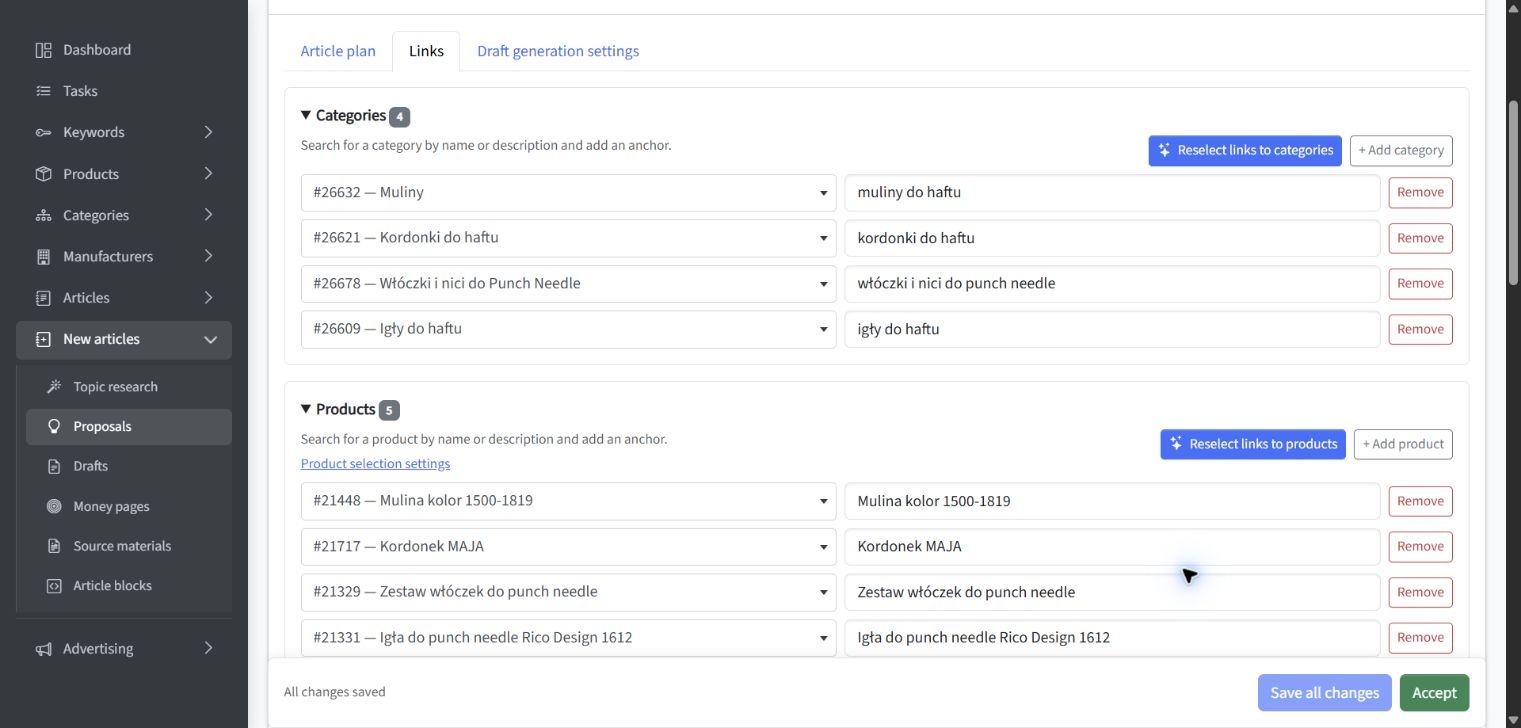
The same principle applies to services. An article about diagnosing a business problem may link to the relevant service page after explaining when professional support becomes appropriate. The service page can link back to guides that answer preliminary questions, helping visitors move in either direction.
Useful connections commonly include:
- articles linking to relevant categories or service pages;
- category pages linking to buying guides and comparison content;
- product pages linking to instructions, compatibility information, or care guides;
- service pages linking to case studies, process explanations, and frequently asked questions;
- broad guides linking to focused articles that explore individual subtopics;
- related articles linking to one another when each page serves a distinct intent.
If a subject includes one broad guide and several focused resources, map each search intent to a page before connecting the guides. The objective is not to create a closed loop of links for its own sake. Each connection should help the visitor understand the subject or reach a relevant business destination.
Find and Fix Internal Linking Problems
Internal linking problems often develop gradually. New pages are published without links from older content, URLs change, categories are removed, and articles continue pointing to redirected or outdated destinations. Regular review is therefore more reliable than a one-time cleanup.
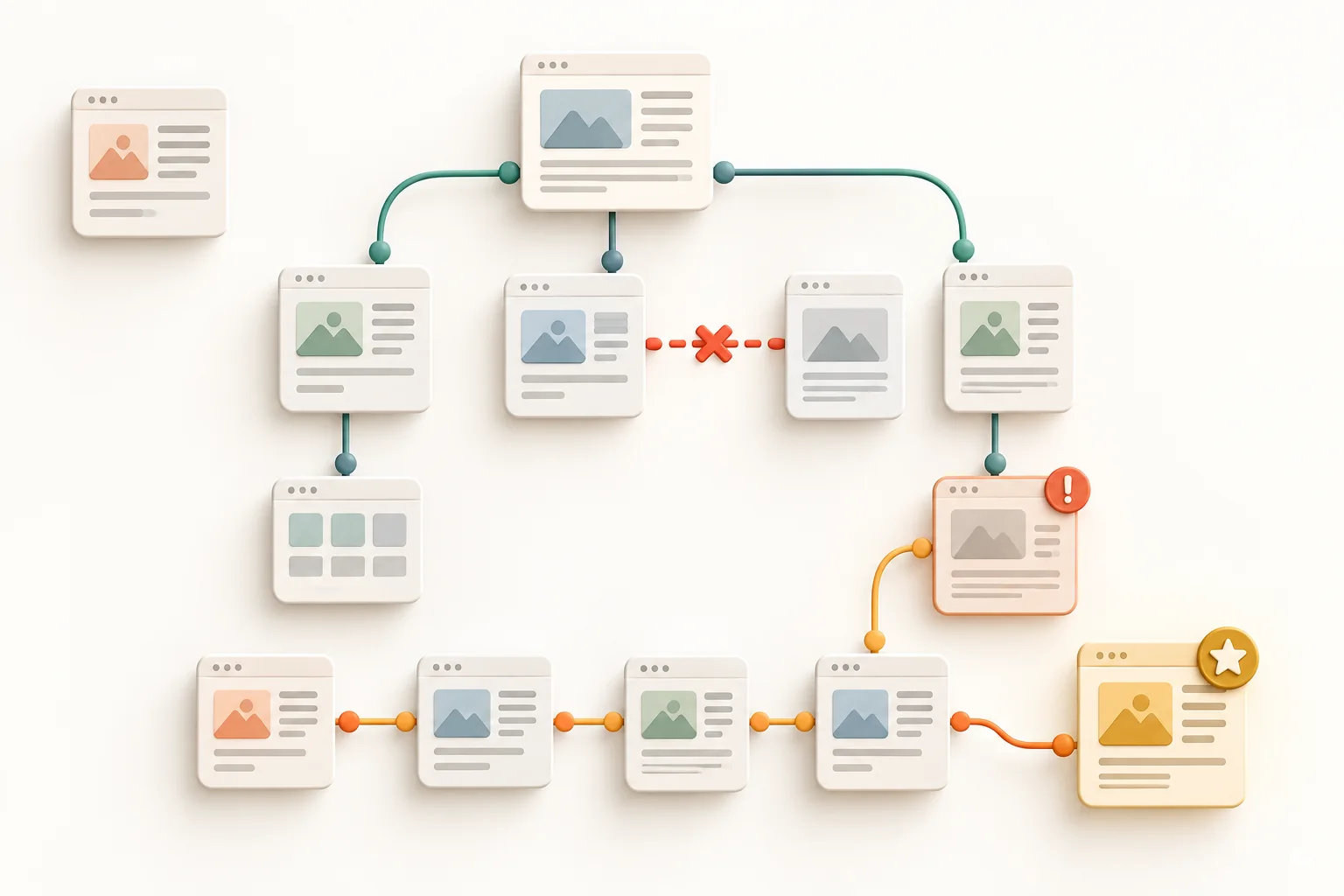
Start by looking for the following issues:
- Orphan pages: live pages with no discoverable internal links pointing to them;
- Broken links: links leading to missing pages or invalid URLs;
- Redirected links: internal links that still point to an old URL instead of the current destination;
- Deep pages: important pages that require too many navigation steps to reach;
- Irrelevant links: connections based on a shared word rather than a shared user need;
- Weak anchor text: repeated vague labels that do not explain the destination;
- Missing commercial connections: helpful articles that never guide qualified readers toward relevant products, categories, or services;
- Inconsistent URLs: different internal URL versions pointing to the same content.
Google advises using consistent destination URLs in internal links and recommends direct, crawlable links with meaningful text.
If recurring content gaps and weak links between articles and commercial pages are difficult to prioritize, you can check whether SEOAssistant.pro could help with this on your website. The free assessment uses public website and search information to evaluate possible use cases and limitations. It does not automatically repair internal links; implementation, review, and publishing remain separate steps.
When a useful page has no incoming internal links, first decide whether it should remain live. If it serves a valid purpose, connect it from relevant pages and appropriate navigation. If it duplicates another page, is outdated, or no longer supports a user need, consolidation, redirection, updating, or removal may be more appropriate than adding links.
For an orphan page that still serves visitors, add a link from a related page where the reader would need it. The guide to how search engines discover pages explains why this helps. To review the rest of the site, follow the internal linking checklist below.
Create a Repeatable Internal Linking Workflow
A repeatable process is more effective than occasional bursts of link building. Assign internal linking tasks to both publication and maintenance workflows so that new pages enter the structure correctly and older content continues to support current priorities.
A practical workflow can follow these steps:
- Select the destination. Confirm that the page is useful, current, indexable, and strategically relevant.
- Find suitable source pages. Look for established articles, categories, services, or products that discuss a related need.
- Check the context. Read the paragraph around each proposed link and confirm that the destination is a genuine next step.
- Write the anchor text. Use concise wording that describes what the reader will find.
- Review the destination URL. Link directly to the preferred live URL rather than an old address that redirects.
- Approve and publish. Treat suggested links as editorial changes that require human review.
- Reassess after significant changes. Repeat the review after migrations, category changes, major content updates, or new product and service launches.
This process separates generation from approval. Tools can identify possible relationships and reduce repetitive work, but a person should verify relevance, wording, page quality, and business priority. A connected SEO workflow can bring analysis, prioritization, content review, controlled publishing, and measurement into one process while keeping approval with the team responsible for the website.
Common Internal Linking Mistakes to Avoid
Most internal linking mistakes come from applying a simple rule without checking context. Watch for these patterns during content reviews:
- Adding links based only on keyword matches. Two pages can contain the same phrase while serving different needs.
- Sending every article to the same commercial page. The destination must match the specific topic and stage of the visitor’s decision.
- Linking every occurrence of a term. Repeated links can interrupt reading without adding navigation value.
- Using identical anchors mechanically. Consistency is useful, but natural variation often fits the surrounding sentence better.
- Prioritizing quantity over page quality. More links cannot compensate for an outdated, thin, or unsuitable destination.
- Ignoring older content. Established pages may provide some of the most relevant opportunities to introduce a new resource.
- Relying only on automated suggestions. A suggestion still requires verification before publication.
Internal linking supports SEO when it reflects a coherent website structure. It should not be treated as an isolated ranking tactic or a substitute for useful content, sound navigation, and technically accessible pages.
Key Conclusions
A beginner does not need a complex scoring model to make useful improvements. Apply a small set of consistent decision rules:
- Make every important page reachable from another relevant, discoverable page.
- Prioritize destinations using business value, user intent, relevance, and page quality.
- Connect informational content with appropriate products, categories, services, and next-step resources.
- Use descriptive anchor text that explains the destination without forcing keywords.
- Fix orphan pages, broken links, redirected links, and inconsistent URLs before adding links at scale.
- Review proposed links editorially rather than publishing them only because a tool suggested them.
- Repeat the process when the website, offer, or content library changes.
The main decision is simple: add an internal link when the destination gives the reader a relevant next step and strengthens the logical connection between pages. If the link exists only to increase a count, reconsider it.
Summary
Internal linking for SEO connects website structure, visitor navigation, and content strategy. Begin with the pages that matter, identify relevant source content, write clear anchor text, and verify that each destination is worth visiting. Then make the review part of your normal publishing and maintenance process. A smaller set of deliberate, well-placed links is more useful than a large collection of connections created without context.